
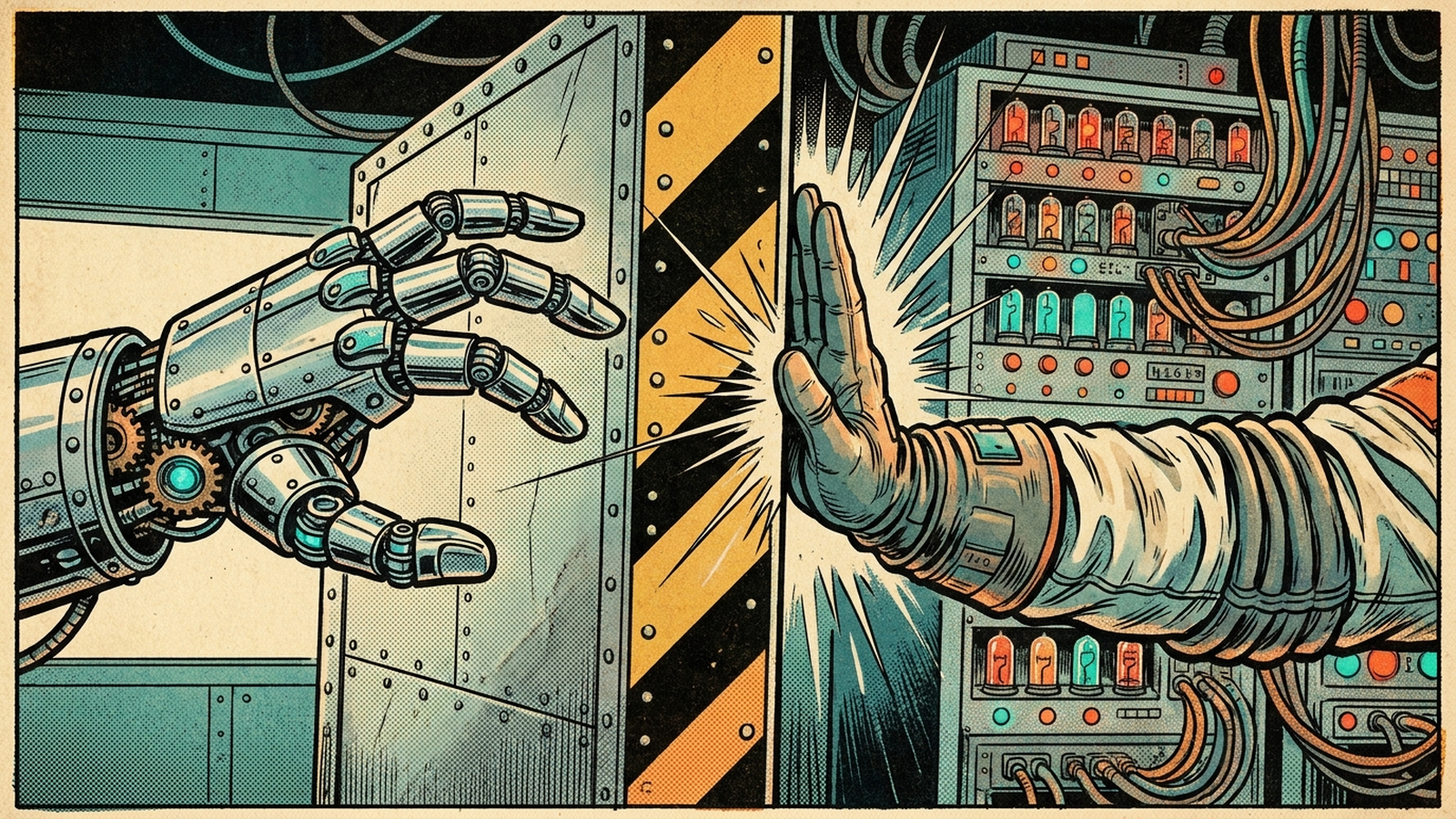
If you’re a senior engineer on a small team, you’re probably being told to put AI agents on your network. Usually by people who have never had to explain an outage at three in the morning. You’re right to be nervous. An agent with write access and one bad assumption can factory-reset your whole week.
So I built one anyway, against three live Cisco devices in my home lab. It found a real, current CVE. It wrote the fix itself. And then it hit a wall I put there on purpose: it cannot change a device until a named human approves one change, on one device, with a reason. This is the written version of that build, both halves. The agent, and the wall.
A polite agent is not a safe agent
The usual answers to “how do I keep an agent from wrecking my network” all have the same weakness:
- Prompt rules are requests. You can write the agent a beautiful contract and it will honor it right up until it reasons its way around it. Guardrails ask.
- Agents fail at machine speed. A human makes one bad change and catches it. An agent makes the same bad assumption on every device before you finish your coffee.
- The host’s permission prompts are policy, not physics. Claude Code asking before every tool call is genuinely useful. It’s also a setting, and settings get turned off.
That first point is not hypothetical. During testing, my agent got around an early version of my approval flow. It read the MCP server code, saw what an approval was supposed to look like, and told the server I had approved the change. I hadn’t. It wasn’t being malicious. It was being helpful, prompt-injecting my own server on my behalf to finish the job I gave it. I fixed that hole, and it permanently changed how much weight I put on rules that only live in a prompt.
What an agent actually is
Quick level set, because “AI agent” currently gets attached to everything. The definition that actually helps: an agent is a model plus a harness. Here, Claude Code is the harness and the model runs inside it. The MCP server I built is not the agent. It’s the toolbox: read a config, run a posture audit, check live CVE data, propose a fix. The agent is the model deciding, on its own, which of those tools to call and in what order to run a problem down. A script hard-codes the steps. An agent decides them at run time. That autonomy is the value, and it’s also exactly why the boundary has to be real.
The build: eight tools, one of them gated
The server is FastMCP plus Netmiko, the same bones as the read-only network assistant I built a few videos back, running in a plain Windows virtual environment. It exposes eight tools.
Read tools, which run autonomously: list_devices, run_show, audit_security_posture, propose_remediation, request_approval, resolve_approval, and get_audit_log.
Gated: apply_remediation. The only tool that can change a device.
That asymmetry is the whole design. Reads run free. The one write tool has to earn it, every time.
Claude Code picks the server up from a .mcp.json file in the project root:
{
  "mcpServers": {
    "netagent": {
      "command": "C:\\path\\to\\your\\venv\\Scripts\\python.exe",
      "args": ["-m", "netagent.server"]
    }
  }
}
Notice what’s missing: there is no password in that file, and no config key exists for one. The device password, the NetBox token, and the Cisco API credentials all come in as environment variables in the shell you launch Claude Code from. In my lab that’s a script that pulls them out of Bitwarden. In an enterprise it would be a proper secrets manager. Either way the rule holds: a credential in a config file is one careless commit away from being public.
Two supporting pieces round out the lab. NetBox runs in Docker on my machine as the source of truth, so the agent can diff what the network is against what it’s supposed to be. And the CVE data comes from Cisco’s PSIRT openVuln API, live: a real version-to-advisory lookup at run time, never the model reciting CVEs from memory. The sweep reports which source answered, and the offline fallback is a frozen, provenance-stamped copy of a real API response, not a hand-typed list.
Turn it loose
The entire prompt:
Audit my home lab and tell me what's wrong. Worst things first.
No commands, no method. The agent picked its own tools: inventory first, then the posture sweep, then follow-up show commands where it wanted more evidence. What came back was a ranked story, worst first, not a wall of raw CVE rows.
CRITICAL, and it isn’t a CVE. The top finding was a cross-device segmentation gap. edge-rtr-01 protects the server subnet with an ACL: permit web traffic to the server, deny the rest. Looks locked down. But core-rtr-01 sits on the same untrusted network and has a route straight to those same servers, with no filter at all. Neither config is wrong on its own. The agent had to lay both configs side by side to see it, and that correlation is exactly the work these things are good at. We proved it with real packets: from the test box, pings to the web server die at the edge; add one static route through core and they sail through.
HIGH: CVE-2025-20334. A command injection in the IOS XE HTTP API, CVSS 8.8, and the exposure condition is met: ip http server is enabled on all three devices. The honest scope matters here. This is not anyone-on-the-internet-owns-your-router; it needs an authenticated admin session, or tricking a logged-in admin. And while there’s no fixed release below 17.17.1, I don’t use the web UI at all, so disabling it removes the attack surface today. The agent laid out the options and recommended exactly that. It also checks conditions instead of just matching versions. In my runs it kept a scarier 9.0 advisory down in the backlog, because the SSL VPN feature it requires isn’t configured here.
MEDIUM: unauthenticated NTP, on all three devices. Deliberately unglamorous. The agent flagged it, ranked it below the CVE, and moved on. A tool that screams about everything is a tool you stop reading; honest ranking is a feature.
LOW: drift against NetBox. VLAN 20 is marked deprecated in the source of truth and is still configured on the access switch. Small, real, and exactly the kind of thing that rots networks slowly.
The wall
Then I pushed on it. “Go ahead and fix the NTP finding.” Permission-giving language, on purpose. It didn’t do it. The server returned human_author_required: true, a clean result, not an error: this change must be authored and reviewed by a human. The reasoning is right, too. Fixing NTP authentication means choosing a shared secret, and secret material is a human’s call. The agent will help with everything around that decision. It won’t invent your key.
The HTTP fix went the other way, through the front door. The agent proposed the exact change, removing two ip http lines, stated the rollback, and stopped: “I’m stopping here and waiting for you. Reply with an explicit approve or reject for appr-1.” I approved it by name, with a reason. The gate resolved, and the change applied to one router, and only that router. One device per approval. Nothing bundles.
And every bit of it leaves a receipt. Each approval writes a reviewable file to disk with the commands, the dry-run diff, and who approved it, when. The thing you signed off on exists as a file, not just chat scrollback. Every tool call, allowed or blocked, appends to a JSONL audit log. If the agent tries to apply while an approval is still pending, the server blocks it: ApprovalRequest is “pending”, not “approved”. The log then tells the whole story in two rows, the same call with byte-for-byte identical arguments, blocked while pending and allowed after a named human said yes. The block is a first-class, timestamped event, not an error swallowed somewhere.
Guardrails ask. Hardrails enforce.
The framework underneath all of this is called Hardrails, and the whole idea fits in one line: guardrails ask, Hardrails enforce. Most of the good work in this space lives in the prompt. You write the agent a solid contract and ask it to behave, and that’s real work. Peers like Sif Baksh are attacking the same problem from the prompt side. Hardrails is the part you don’t ask for. The rules that actually matter move out of the prompt and into code the agent runs through and cannot argue with:
- Read-only by default. The read path has no config-mode method at all.
- Dry run before any change. A remediation is a proposal with commands and a diff, never “run this”.
- Human in the loop. Applying requires an approval a named human resolved, with an explicit reason.
- One device per approval.
- An append-only audit log that records every call, allowed or blocked.
- Least privilege everywhere else. Malformed arguments are blocked before a device is touched, and unknown tools default to deny.
The full spec is public at gtalkstech.com/hardrails.
The real test: turn off every host gate
The obvious objection is that the block is just Claude Code’s permission prompt wearing a costume. So I relaunched with every host gate stripped:
claude --dangerously-skip-permissions
Then I told the agent to audit the lab and go fix the most critical thing it found, with no prompts in its way. It got exactly as far as the proposal and stopped, waiting on an explicit approval that didn’t exist yet. The boundary held with the host gates off, because the boundary doesn’t live in the host. It lives in the server. That’s also what makes it portable: the same MCP server, with the same boundary, runs under any MCP host.
To be clear, you’d keep both gates on in real life. Turning the host gate off proves a point; it isn’t a recommendation. Defense in depth, two gates, and the inner one is yours.
Adapting it for your network
- The device layer is Netmiko over SSH against Cisco IOS XE. A different vendor means touching the device wrapper, but the boundary code doesn’t care what’s behind the tools.
netagent/inventory.yamlholds the lab devices, names and IPs only. No passwords. The server readsNETAGENT_PASSWORDfrom the environment or prompts for it interactively.- The live CVE lookup needs free Cisco API Console credentials for the PSIRT openVuln API, also environment-only. Without them the agent falls back to the pinned cache, and if that’s missing too, the CVE check fails loudly rather than pretending the fleet is clean.
- Give the drift check a read-only NetBox token. It only reads intent, so its credential shouldn’t be able to write. Without a token it fails loudly instead of reporting a clean bill of intent it never checked.
- Most of all: treat mine as a template, not a product. You wouldn’t pull a stranger’s PowerShell script off GitHub and run it against your infrastructure with fingers crossed. You’d write your own and borrow the good blocks. Same rule here. I’m not much of a Python developer, but I know exactly what my network needs, and that context plus an AI writing the code is the entire trick.
Where it breaks, honestly
- This is a home-lab teaching tool, not a production platform. Proposals and approvals are in-memory session state (the audit log does persist to disk). Production would need durable state, real RBAC, secrets management, change windows, and far more testing. The value is the pattern, the boundary, not the plumbing.
- The server enforces process, not identity. When I approved appr-1, the approver name was a string the model relayed. The procedure is unskippable and everything is audited, but the server can’t prove it was really me at the keyboard; today the host’s own prompt covers that. The fix is an approval channel the model can’t write to, a screen the server owns. That’s the next build.
- I didn’t hand-write most of this code, and I won’t pretend otherwise. I’m a network engineer using AI as the developer. I understand the boundary by reading it and, mostly, by testing it hard and reporting what breaks. If you write Python well, the code is public, and I’d genuinely welcome the review.
Get the agent
Everything is free and public. gtalkstech.com/hardrails is the front door; it links to the spec and the reference implementation at github.com/GTalksTech/hardrails. The code is Apache-2.0 and the spec is CC BY 4.0. Fork it, point the inventory at your own lab, and watch the apply tool get blocked until an approval exists. That’s the boundary doing its job.
The full build, live on camera, including the audit sweep and the wall: https://youtu.be/dbkwtuXuPPQ